Door Sensor Connection
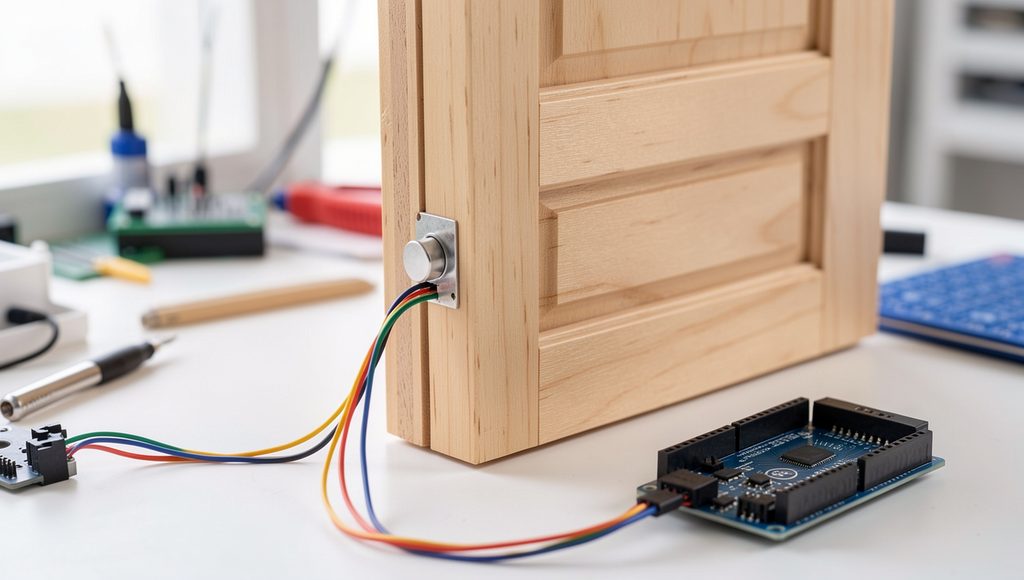
The magnetic reed switch is used to detect whether the door is open or closed. Mount the reed switch securely on the door frame and attach the small magnet to the door so that they are positioned close to each other when the door is fully closed.
When the door is closed, the magnet remains close to the reed switch, causing its internal contacts to remain in their normal magnetic state. When the door opens, the magnet moves away from the switch, causing the contacts to change state. This change provides a simple electrical signal indicating that the door has been opened.
Connect one terminal of the reed switch to an ESP32 digital GPIO input and connect the other terminal to GND. The ESP32 can use its internal pull-up resistor, making the wiring simple and reducing the need for an additional external resistor. The selected GPIO should be configured as an input with pull-up in the Arduino program.
Make sure the reed switch and magnet are aligned correctly and are close enough to operate reliably when the door is closed. After completing the connection, open and close the door several times and observe the GPIO signal to confirm that the ESP32 correctly detects both door states.